Production8 min read
How to Mix Vocals Over a Beat: A Producer's Perspective
Z
By chemiZtry·February 15, 2026You bought the perfect beat, recorded your vocals, and... it sounds like two separate songs playing at the same time. The vocals are fighting the beat instead of sitting inside it. This is the most common problem I hear from artists who buy my beats, so let me share some solutions.
Start With a Good Recording
No amount of mixing can fix a bad recording. Before you even open a plugin:
- Record in a quiet room. Turn off fans, AC, and anything that makes noise.
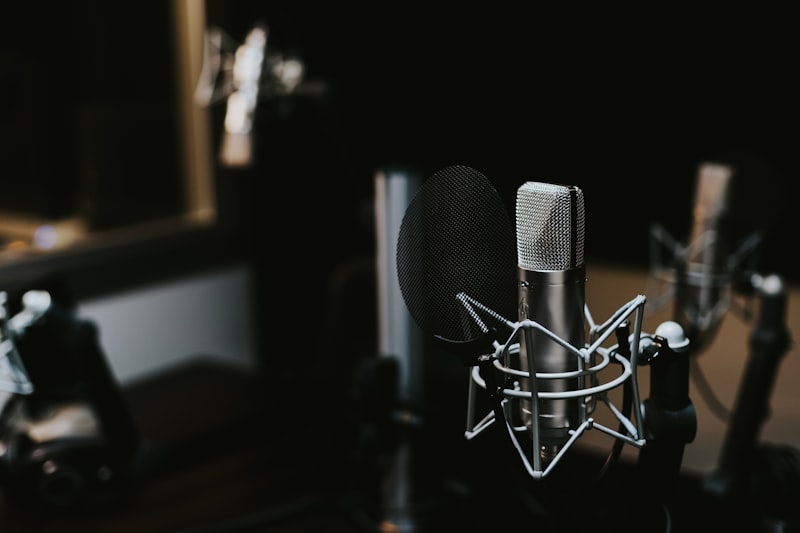
- Use a pop filter. Those plosive "P" and "B" sounds will ruin your takes.
- Keep consistent distance from the mic. 6-8 inches is the sweet spot for most condensers.
- Record at the right level. Your peaks should hit around -12 to -6 dB. Never clip.
- Do multiple takes. Even if the first take feels good, do three more. You'll thank yourself later.
The Vocal Chain (In Order)
Here's the signal chain I recommend for processing vocals over a beat:
1. Cleanup (Subtractive EQ) - High-pass filter at 80-100 Hz to remove rumble - Cut any harsh frequencies (usually around 2-4 kHz) - Remove muddiness (200-400 Hz area) - Use a narrow Q to surgically remove problem frequencies
2. Compression - Start with a ratio of 3:1 to 4:1 - Set the threshold so you're getting 3-6 dB of gain reduction - Fast attack (5-15ms) for controlling transients - Medium release (50-100ms) for natural sound - The goal: even out the dynamics without squashing the life out of the performance
3. Additive EQ - Boost presence at 3-5 kHz for clarity and cut-through - Add air at 10-12 kHz for brightness (subtle — 1-2 dB) - Warm up the low-mids at 200-300 Hz if the vocal sounds thin
4. De-Esser - Target the 5-8 kHz range - Only reduce harsh "S" and "T" sounds - Don't overdo it or the vocals will sound lispy
5. Reverb and Delay - Use a short plate reverb for intimacy - Use a longer hall reverb for cinematic feel - A subtle stereo delay (1/8 or 1/4 note) adds width - Keep the reverb wet/dry mix low — 15-25% is usually enough
Making Vocals Sit in the Beat
Volume Automation This is the most powerful tool most people ignore. Go through your track and automate the vocal volume so every word is clearly audible. Louder on soft passages, quieter on loud ones. This takes time but makes an enormous difference.
Frequency Carving If the beat has a lot of energy in the same frequency range as your vocals (usually 1-5 kHz), you have two options: 1. EQ the beat to dip slightly in that range (if you have stems) 2. EQ the vocals to boost slightly above or below the beat's dominant frequencies
Sidechain Compression Advanced technique: put a compressor on the beat that's triggered by the vocal. When you rap or sing, the beat ducks slightly, making room for your voice. Subtle settings work best — 1-2 dB of reduction.
Common Mistakes
- Too much reverb. The #1 mistake. Your vocals shouldn't sound like you're in a cathedral unless that's the vibe.
- Over-compressed vocals. If every syllable is the exact same volume, the performance loses its emotion.
- Not using reference tracks. Compare your mix to professional songs in a similar style. How do their vocals sit? Match that.
- Mixing too loud. Turn your speakers down. If the mix sounds good at low volume, it'll sound great loud.
Final Tip
If you bought a beat with stems (tracked-out files), use them. Having individual control over the kick, snare, melody, and bass lets you sculpt the mix around your vocals perfectly. It's worth the extra cost of a premium license.


